Access your email
Find out more about accessing and setting up your student email
Access your email
How to log in to Microsoft Outlook
- Enter your student email address.
- Sign in with your SSO username and password.
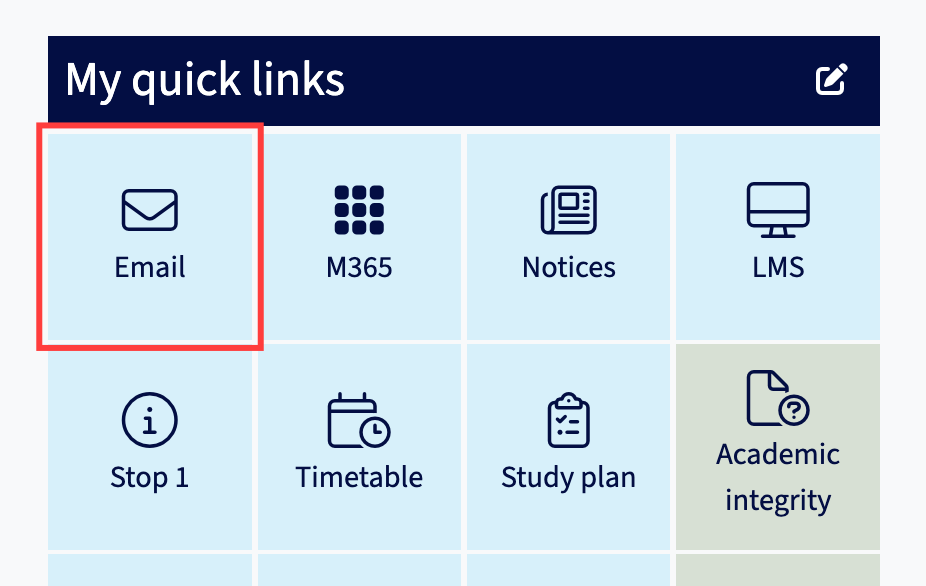
You can also access your student email via the Email tile under "My quick links" in the my.unimelb Student Portal.
Support & troubleshooting
-
- Ensure you have set up your student account.
- Sign out of your personal Microsoft Outlook account.
- Perform basic browser troubleshooting.
If you are still unable to access your student email via your browser and require further assistance, please contact Student IT.
-
If you used Microsoft 365 or Microsoft Outlook in a previous organisation (former school, university or workplace), you will need to log out of your account and close the browser.
Open your browser and login with your University of Melbourne student account to access Microsoft Outlook in your browser.